



Instructions for my pages

On My Pages on the Efling website, you can find a personal form that contains various information about members rights. It is possible to apply for holiday houses, sick and educational grants and sick pay. Additionally, you can monitor the processing of rights and the settlements of employers on contributions. Members who work under a municipal agreement can monitor the balance in the Members' Fund, which is payable on 1 February each year.
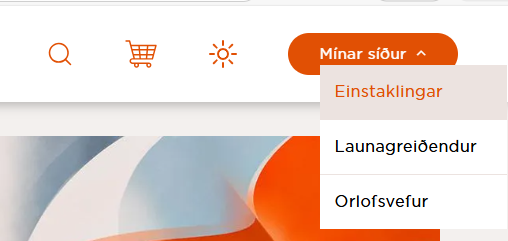
You log in via the Efling website www.efling.is and select My pages - Individuals.
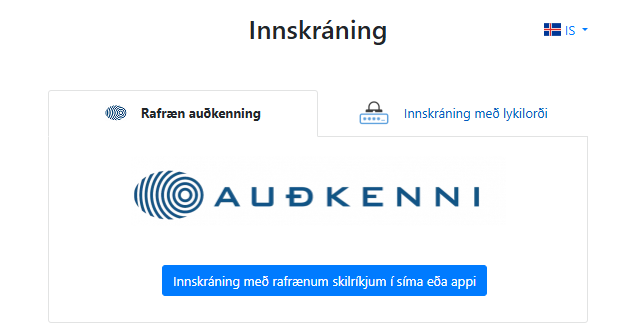
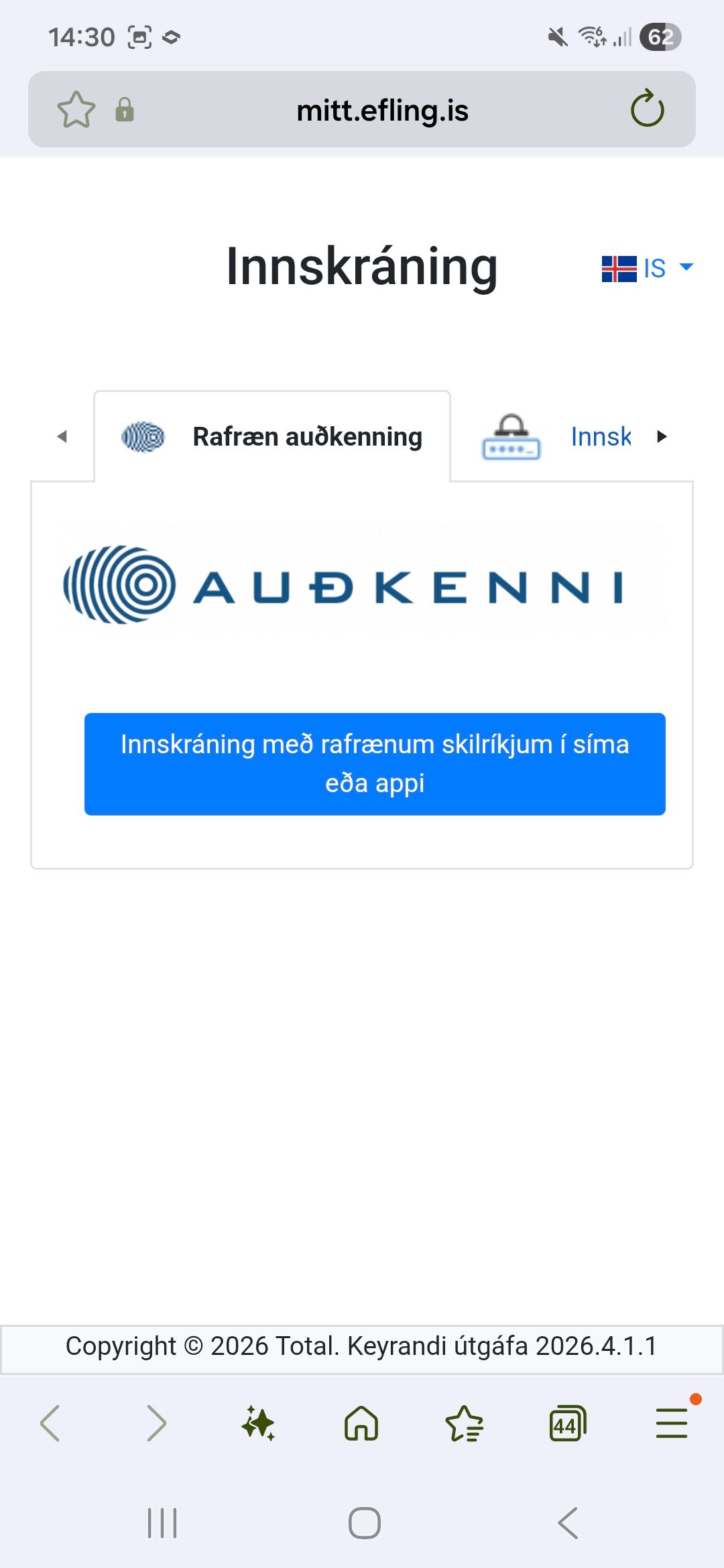
You can use an electronic ID or password issued by the company. Login is via Auðkenni.
To log in to My Pages on your phone, click on the Efling Logo in the top right corner.
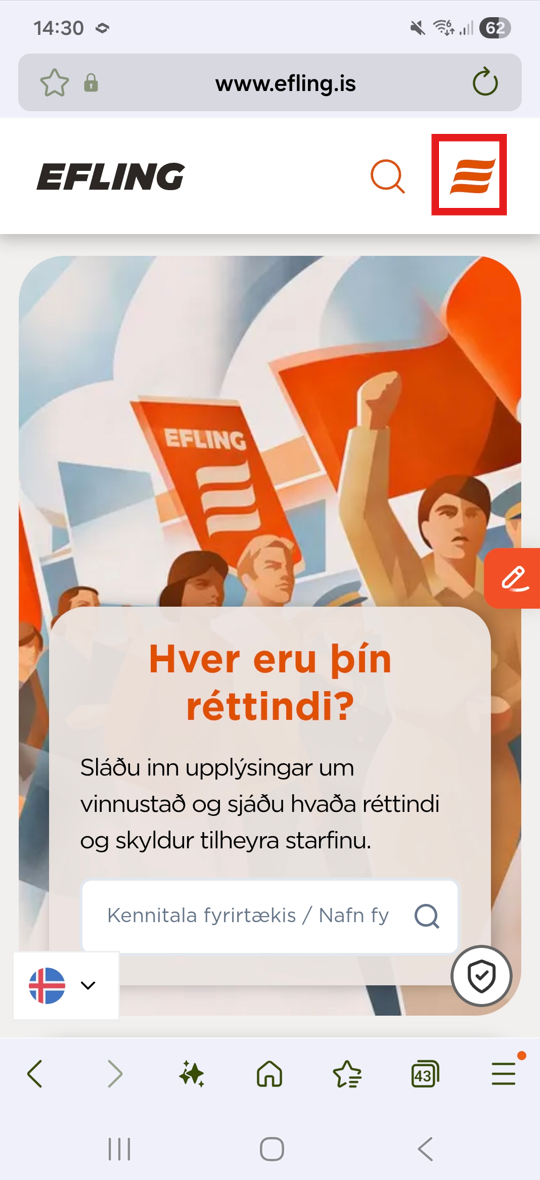
And click on ''individuals''
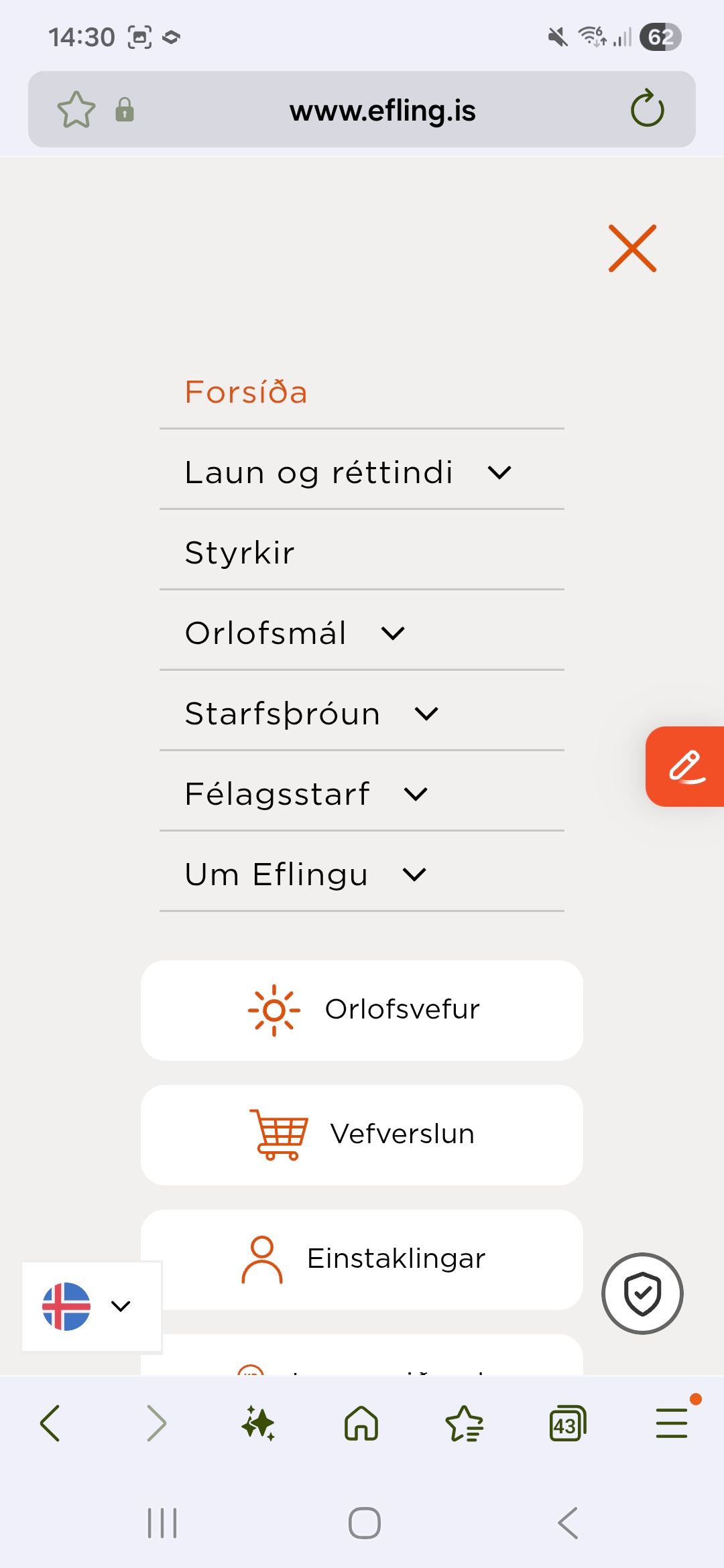
You can use an electronic ID or password issued by the company. Login is via Auðkenni.
Applying for grants
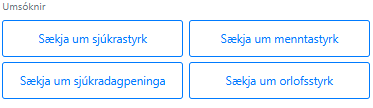
An overview of grants and which application they belong to can be seen here.
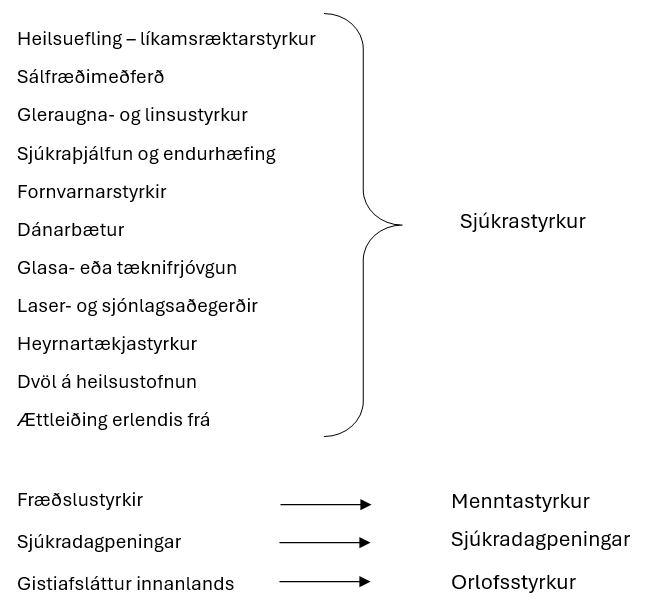
To apply, click on the appropriate box.
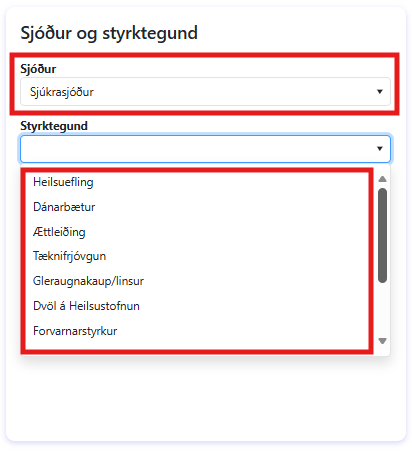
A fund is selected and the grant being applied for.
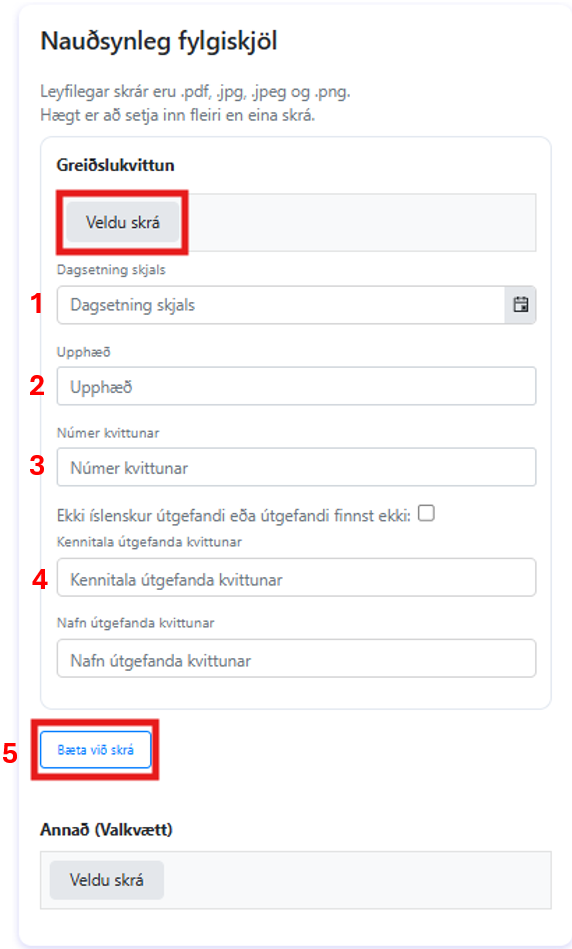
Next you need to insert the appropriate attachment by clicking “Select file'' and you must fill in the correct information (no. 1, 2, 3 and 4). If there is a need to attach more than one document or payment receipt it is done by clicking “Add file'' (no. 5). You can attach other kinds of data under “Other''
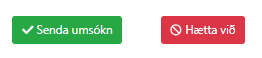
The application is submitted by clicking the green button at the bottom of the page.
Booking a holiday house
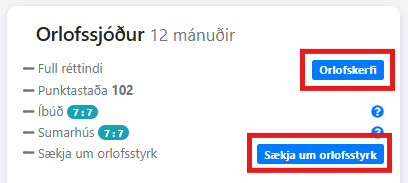
To access the booking page click the blue button Orlofskerfi. There you can also click on Apply for vacation grants (see more under
Grants | Efling union)
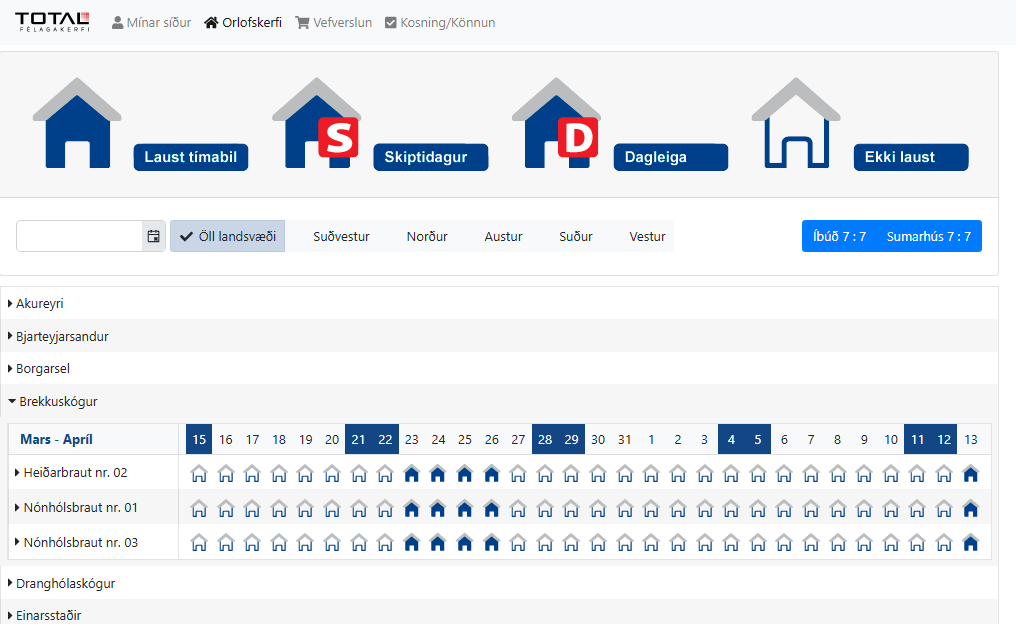
On the booking page, the regions with the union's holiday trips are shown, by district, and at the same time the booking status of each property for the relevant period is displayed (in the image, Brekkuskógur has been selected).
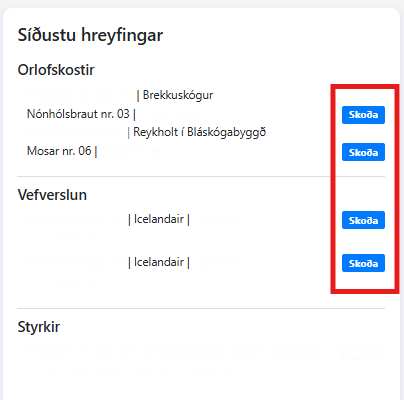
You can view house bookings and purchases in the online store under ''Latest movements'' and there you can click view and get to the action page and among other things you can access the lease agreement where you can find various important information about the house.
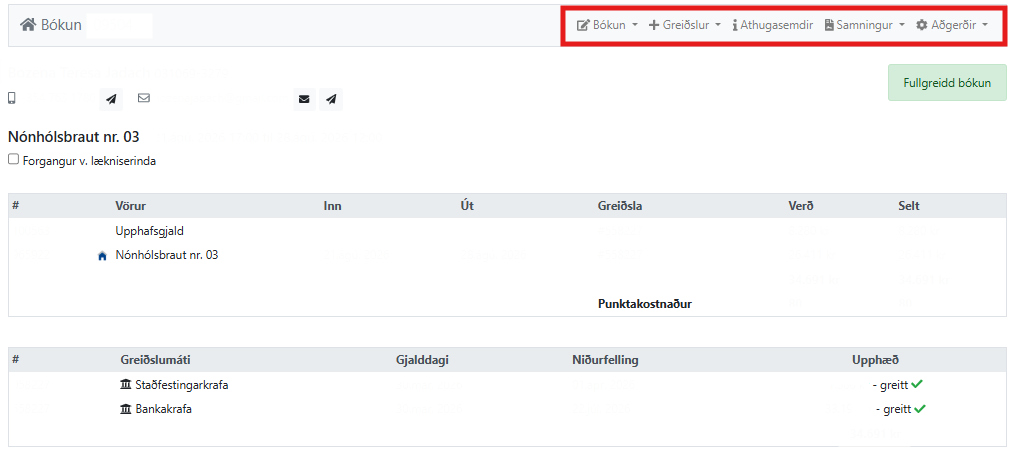
Overview of booking a holiday house.
Downloading the RSK cash register
The RSK payment register can be accessed through the service web
www.rsk.is

Start by logging in to the service website with your electronic ID by selecting Service websites.
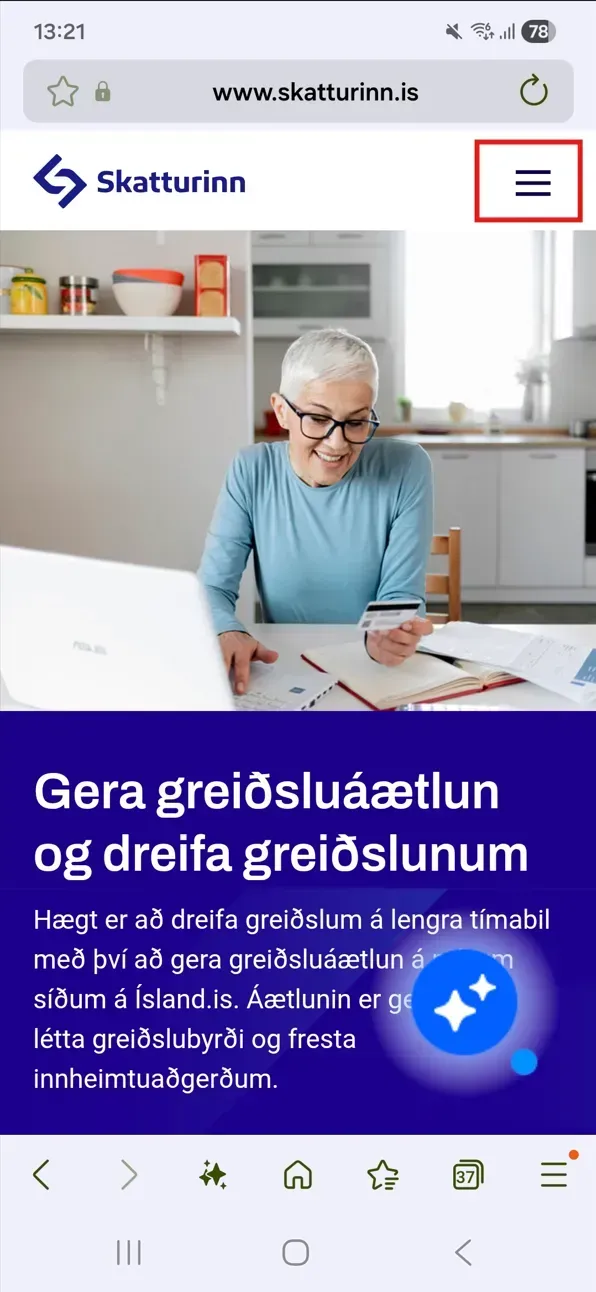
Start by selecting the three lines in the top right corner.
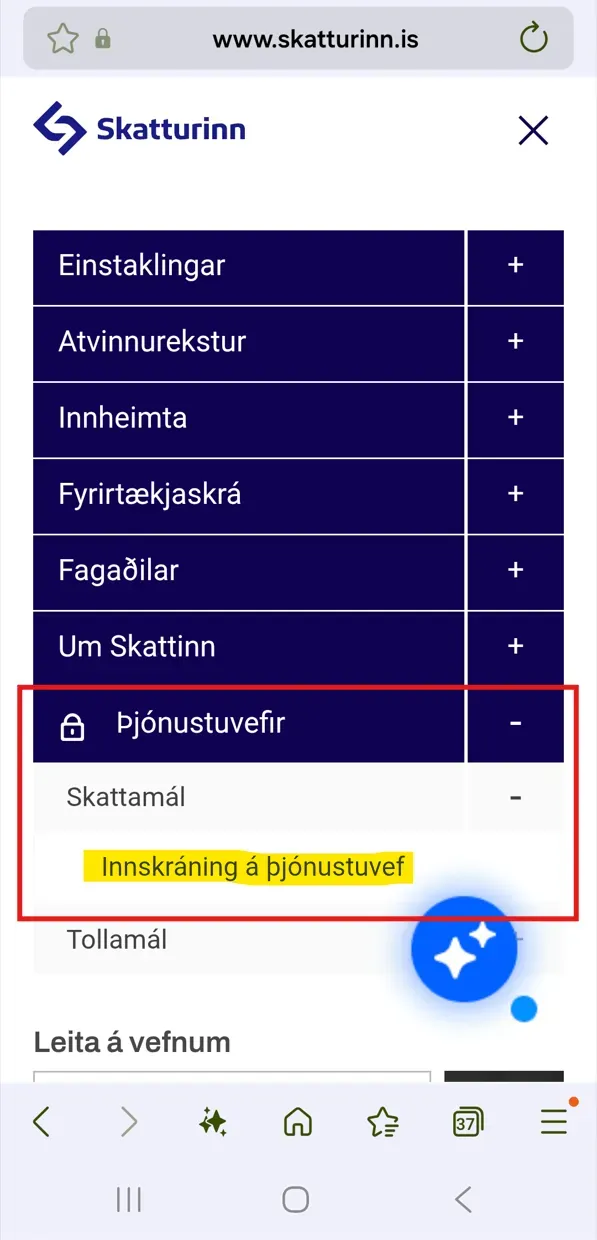
Next, you need to click on the plus sign next to Service Websites – Tax Affairs and click on Login to Service Website to log in with your electronic credentials.
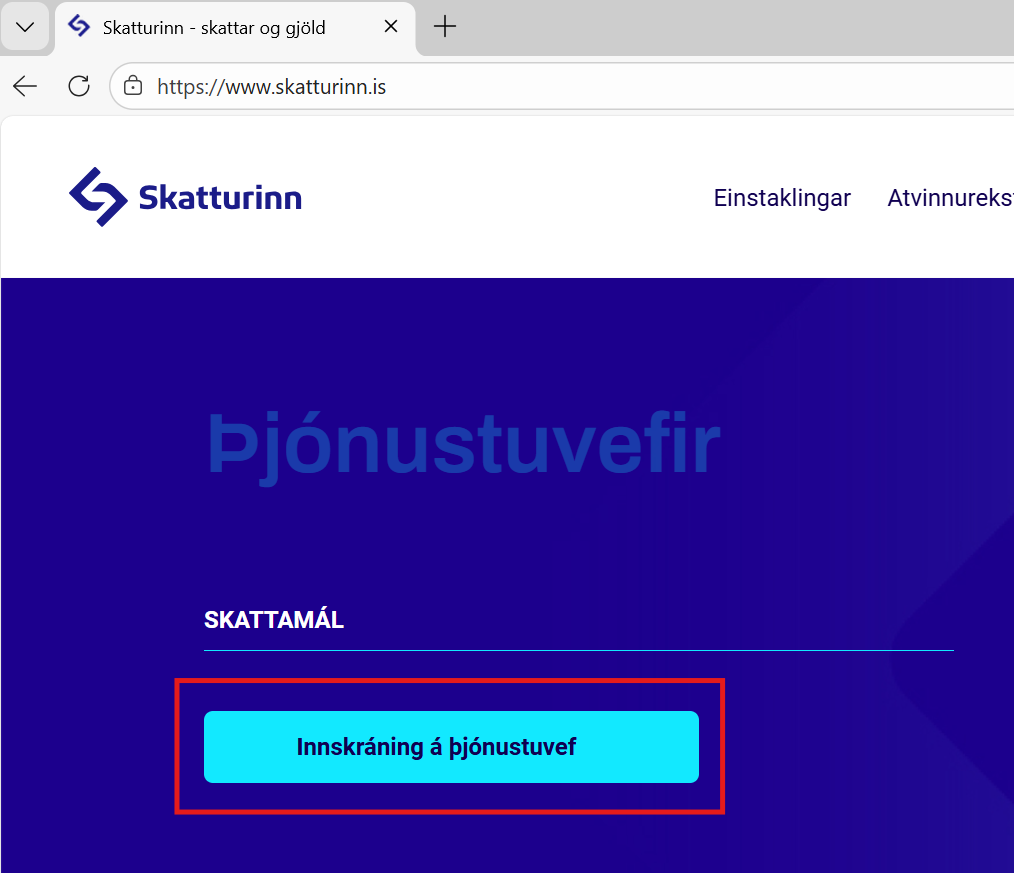
Next, select Login to the service website.
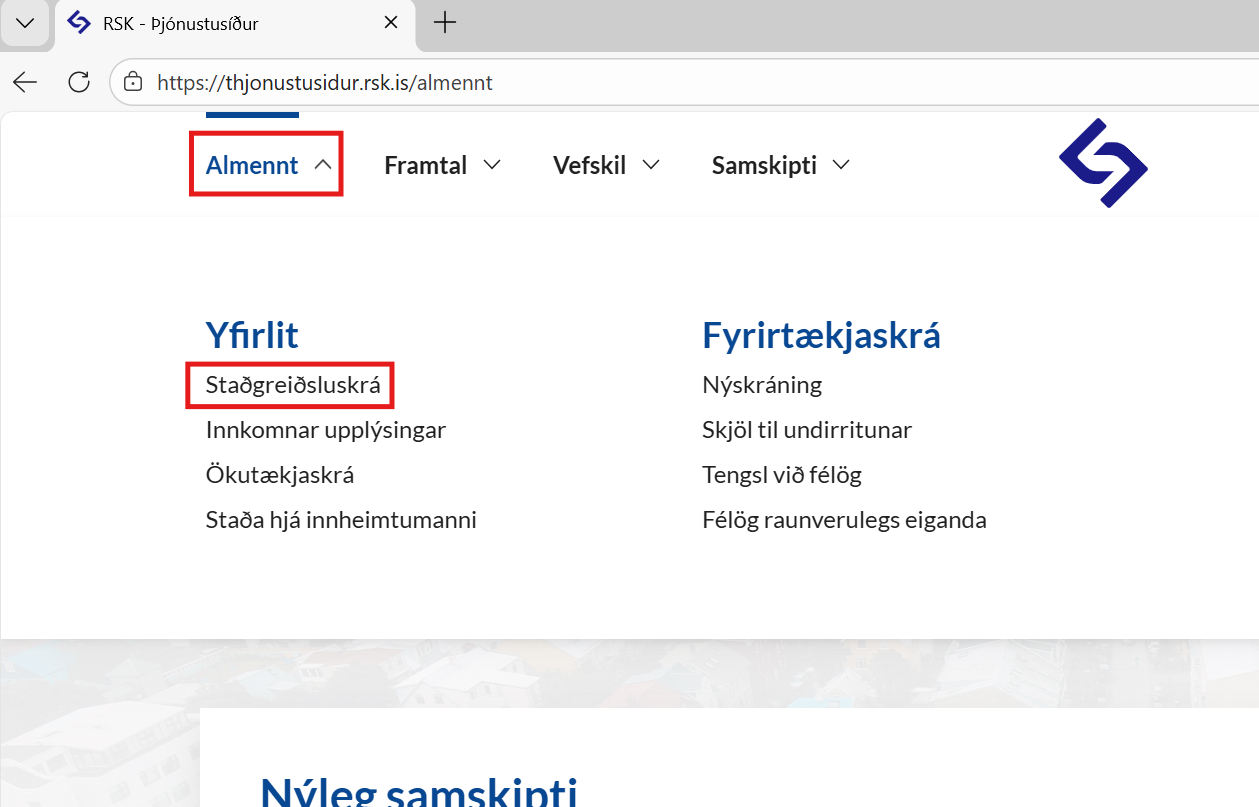
Under General, select tax income overview RSK
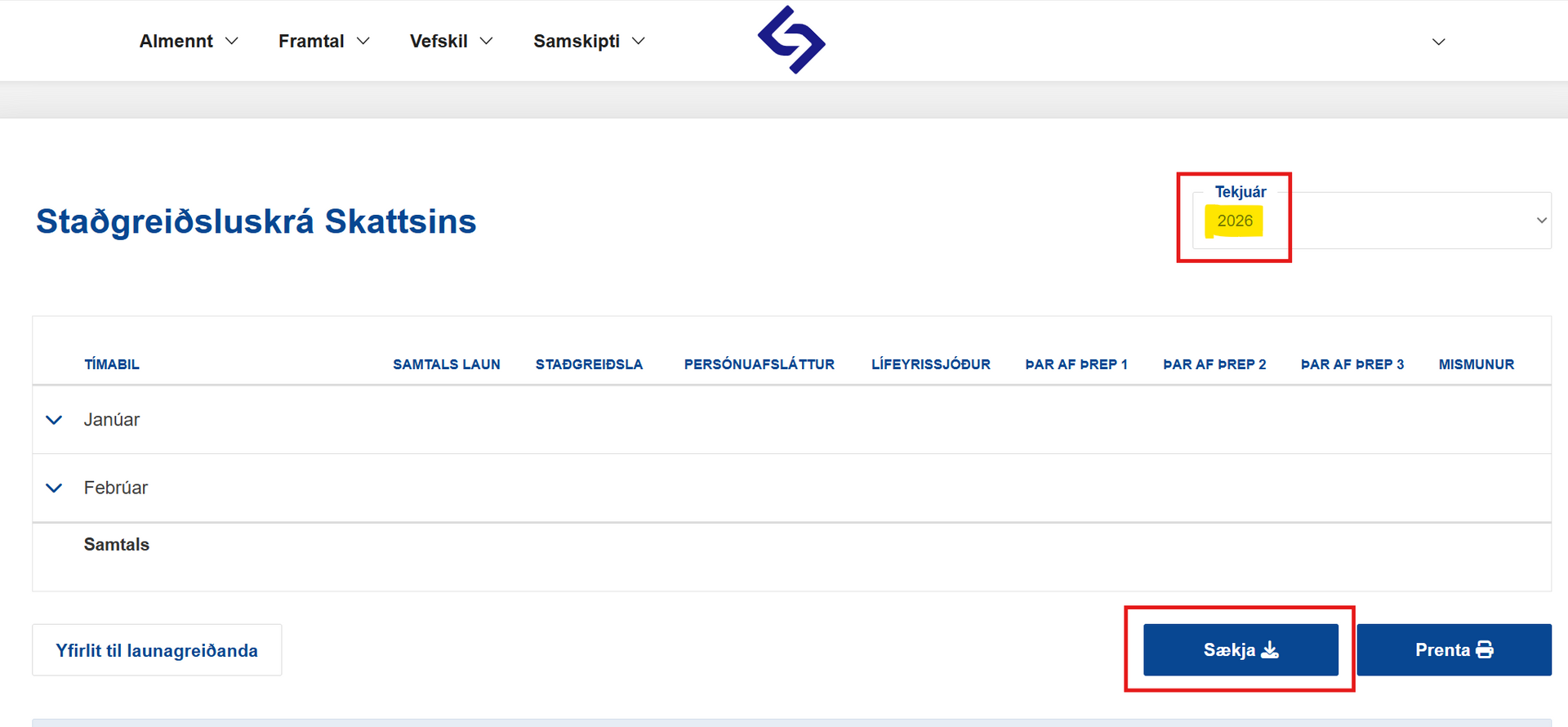
Then download the document as a PDF by clicking "Download PDF".
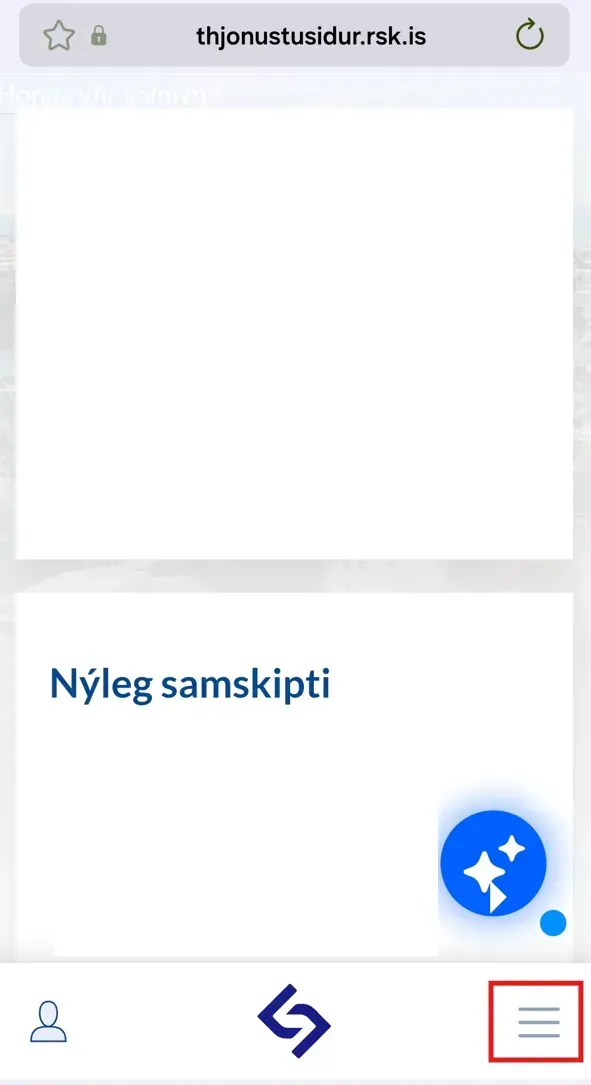
Then the three lines are selected in the bottom right corner
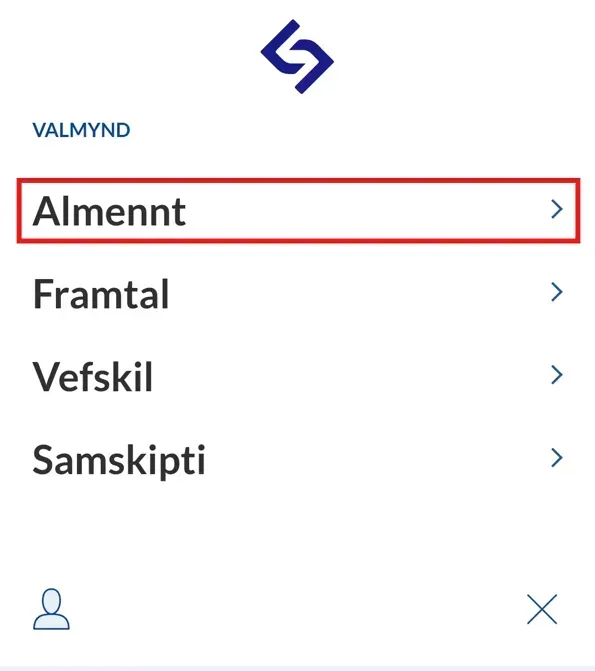
Click on General
Click on Overview
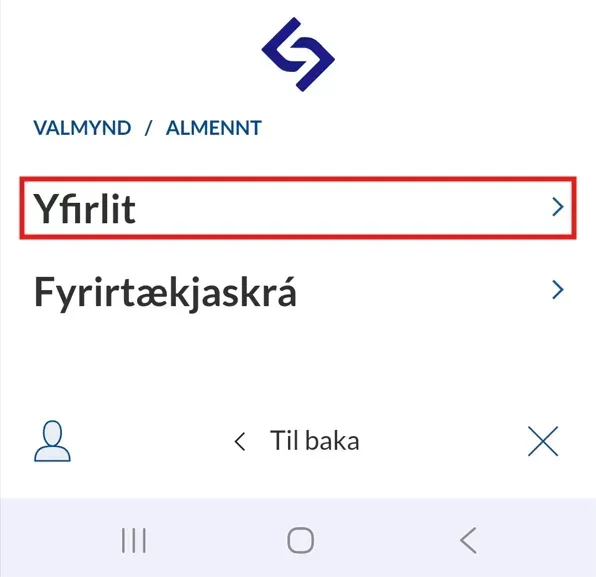
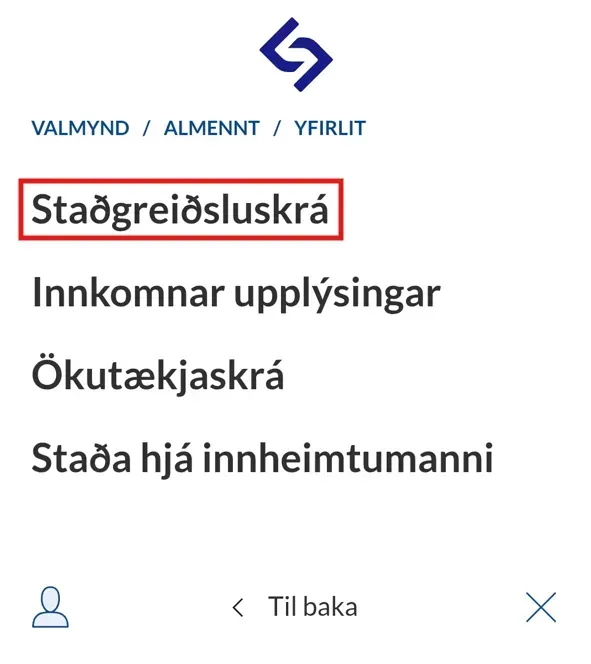
Click on Withholding Tax Register
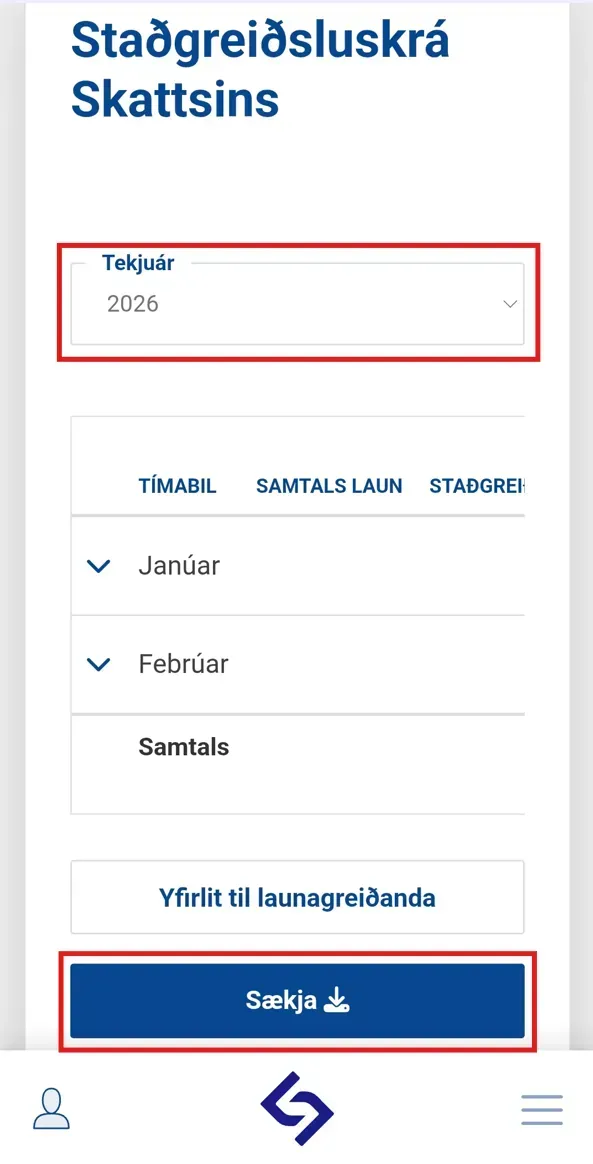
Then you need to select the appropriate year and click Download.