



Instructions for My Pages

On My Pages on the website Efling you can find a personal form that contains various information about members' rights. It is possible to apply for holiday houses, sick and educational grants and sick pay. Additionally, you can monitor the processing of rights and the settlements of employers on contributions. Members who work under a municipal agreement can monitor the balance in the Members' Fund, which is payable on 1 February each year.
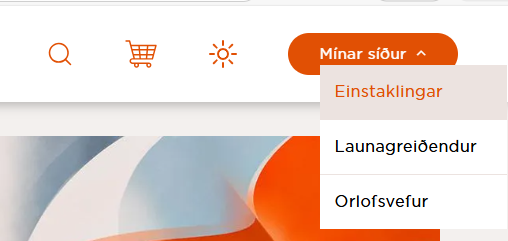
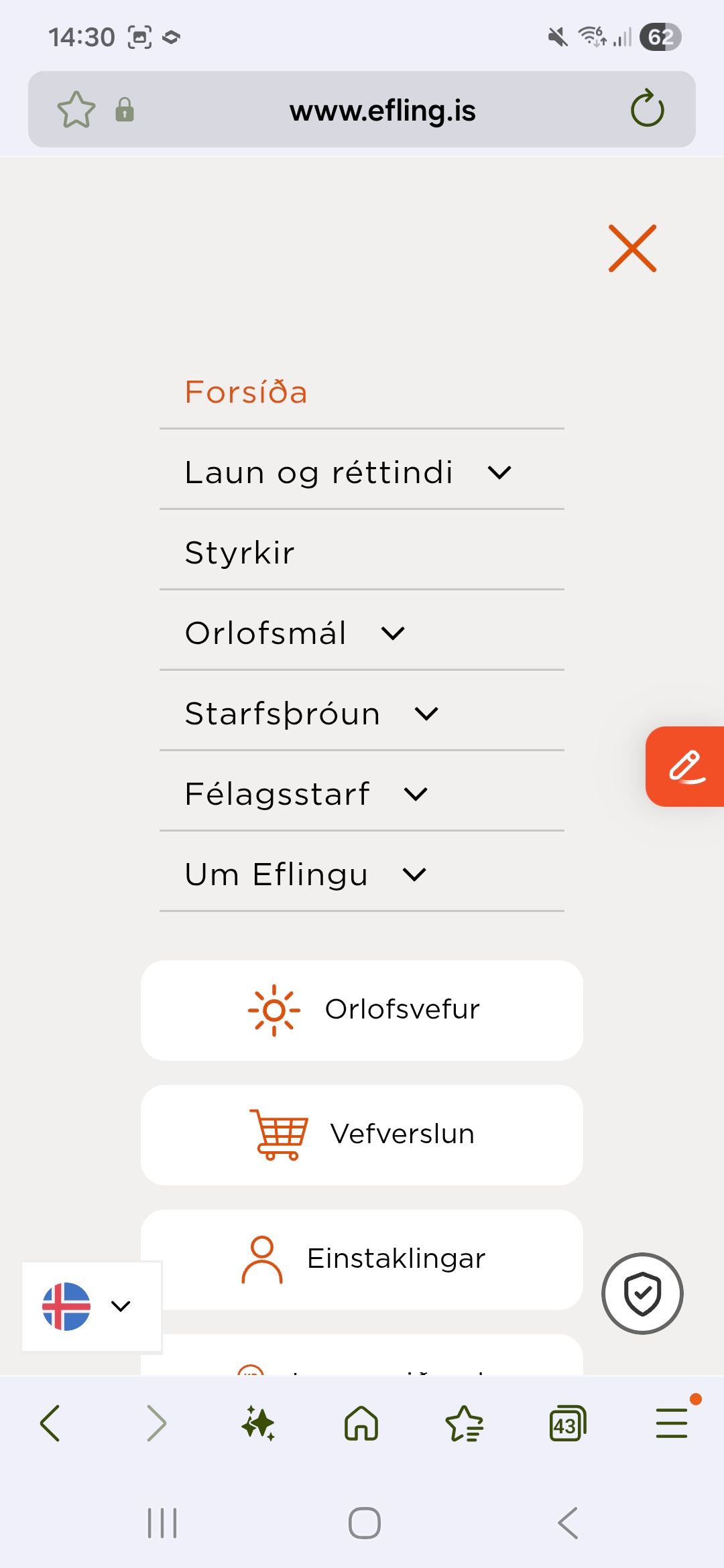
Þú skráir þig inn í gegnum heimasíðu Efling www.efling.is velur Mínar síður - Einstaklingar.
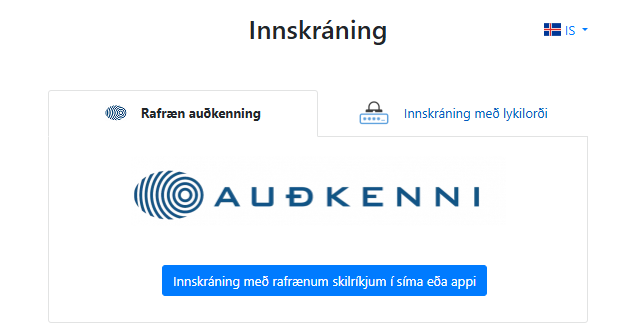
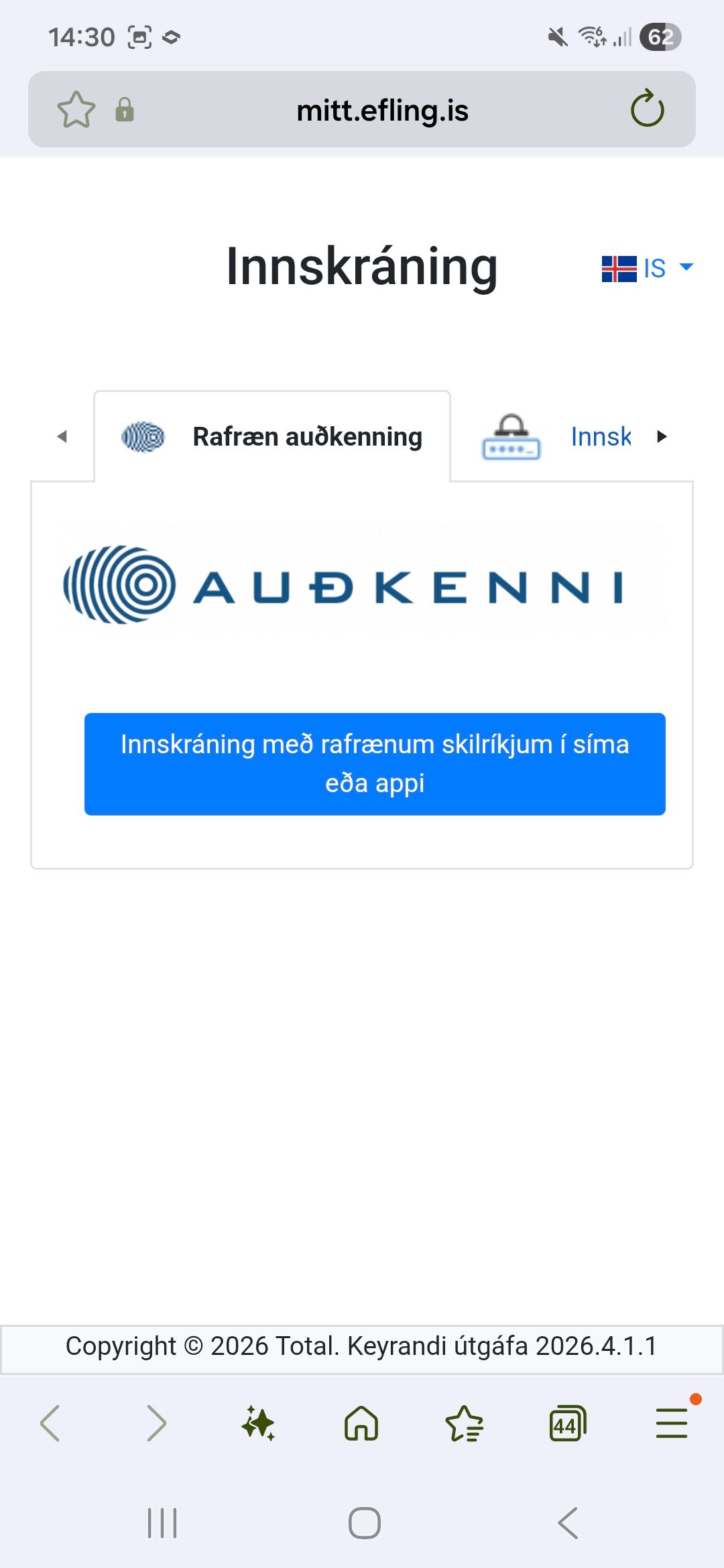
Hægt er að nota rafræn skilríki eða lykilorð sem félagið gefur út. Innskráning er í gegnum Auðkenni.
To log in to My Pages on a phone you need to click on the Efling image at the top right corner.
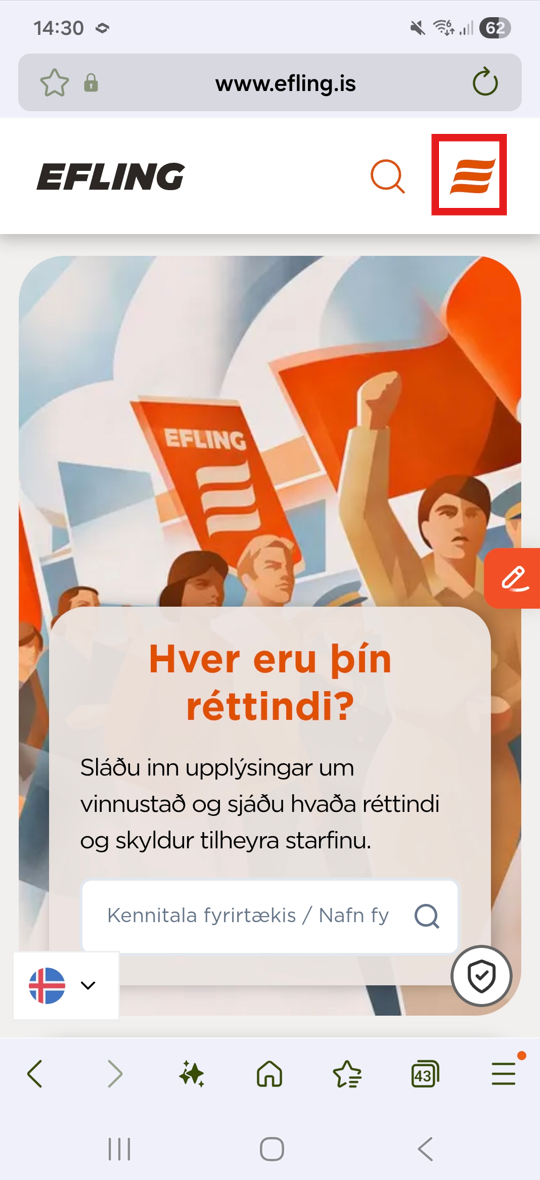
And click on ''individuals''
Hægt er að nota rafræn skilríki eða lykilorð sem félagið gefur út. Innskráning er í gegnum Auðkenni.
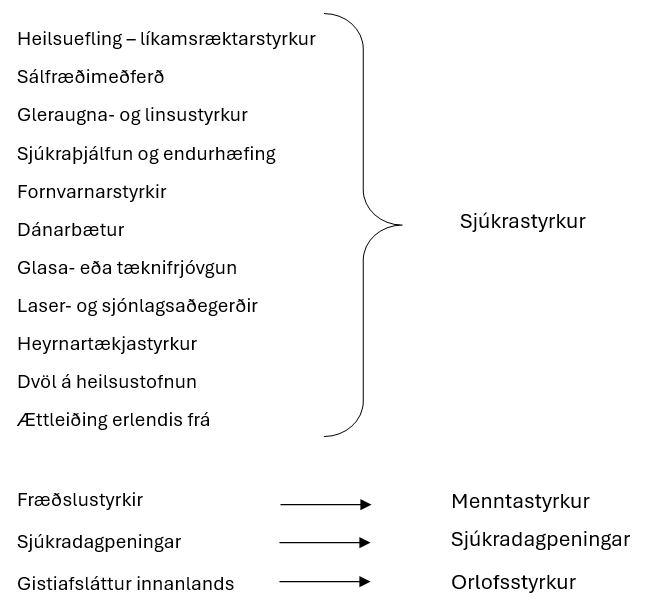
Apply for grants
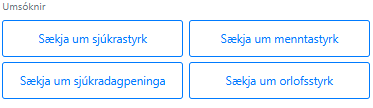
Overview of grants and which application they belong to can be seen here.
To apply, click on the appropriate box.
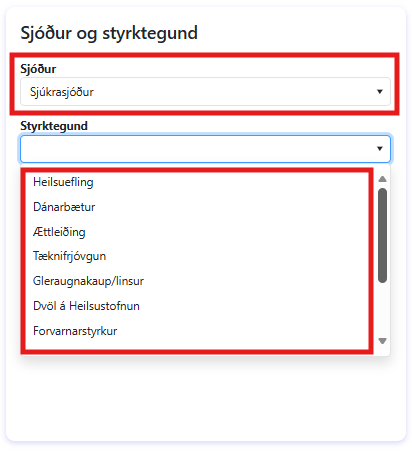
The fund is selected and the grant being applied for.
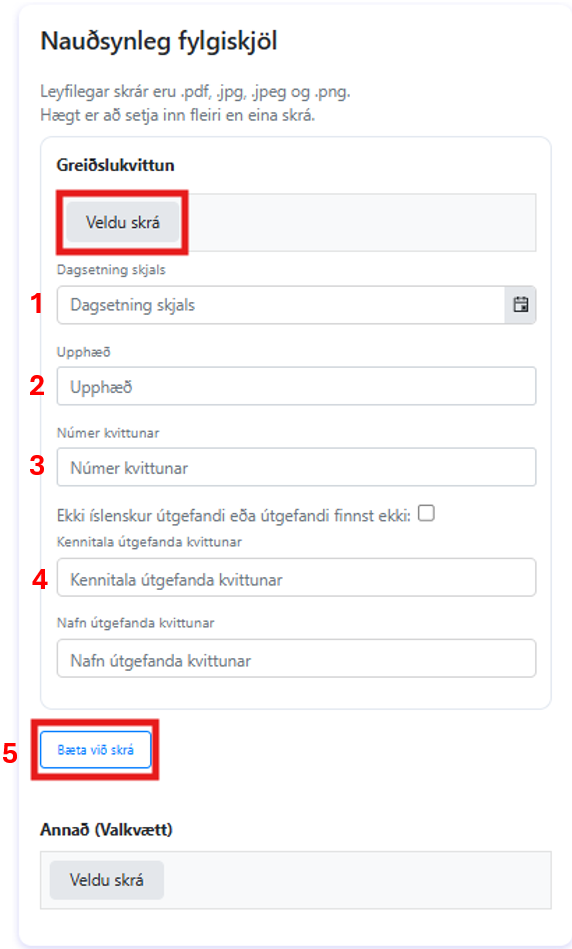
Next you need to insert the appropriate attachment by clicking “Select file'' and you must fill in the correct information (no. 1, 2, 3 and 4). If there is a need to attach more than one document or payment receipt it is done by clicking “Add file'' (no. 5). You can attach other kinds of data under “Other''
Umsóknin er send inn með því að smella á græna hnappinn neðst á síðunni.
Book a holiday trip
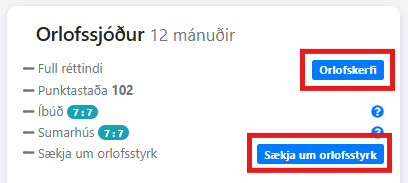
To access the booking page click the blue button Orlofskerfi. There you can also click on Apply for vacation grants (see more under Grants - Grants | Efling union)
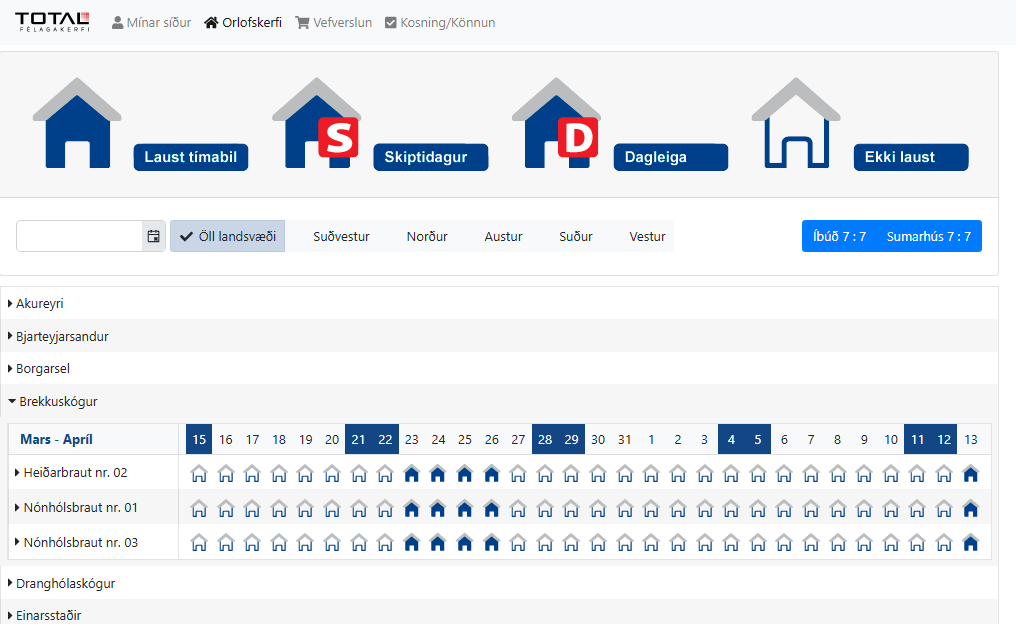
On the booking page, the regions with the union's holiday trips are shown, by district, and at the same time the booking status of each property for the relevant period is displayed (in the image, Brekkuskógur has been selected).
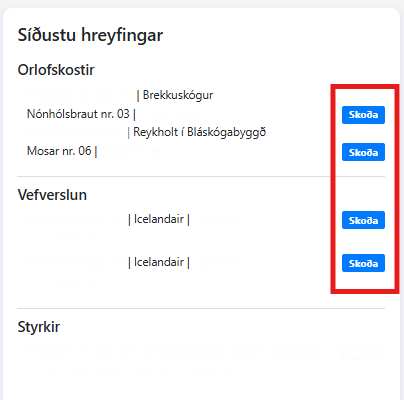
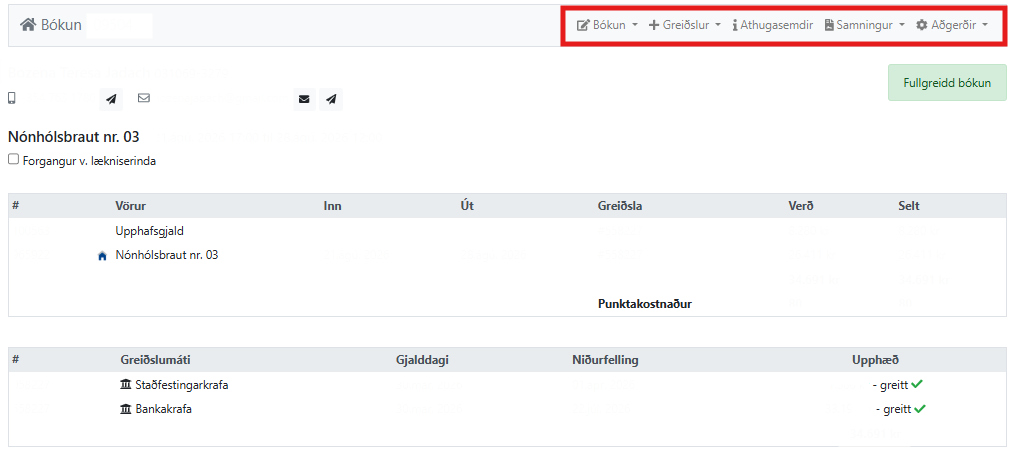
You can view house bookings and purchases in the online store under ''Latest movements'' and there you can click view and get to the action page and among other things you can access the lease agreement where you can find various important information about the house.
Yfirlit yfir bókun orlofshúss.
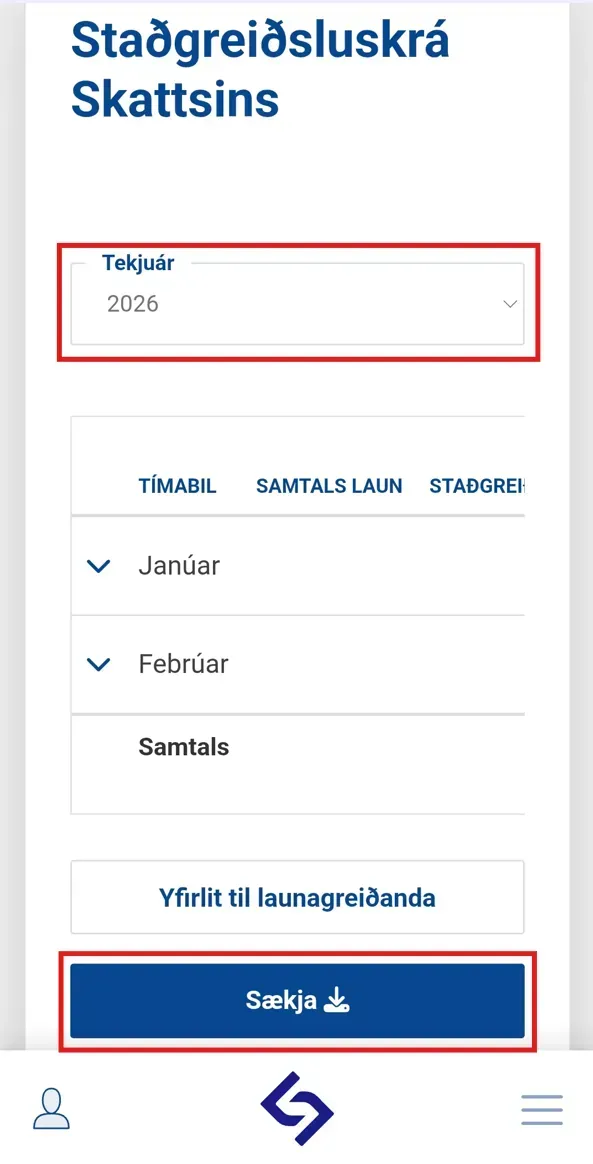
Að sækja staðgreiðsluskrá RSK
The RSK payment register can be accessed through the service web www.rsk.is

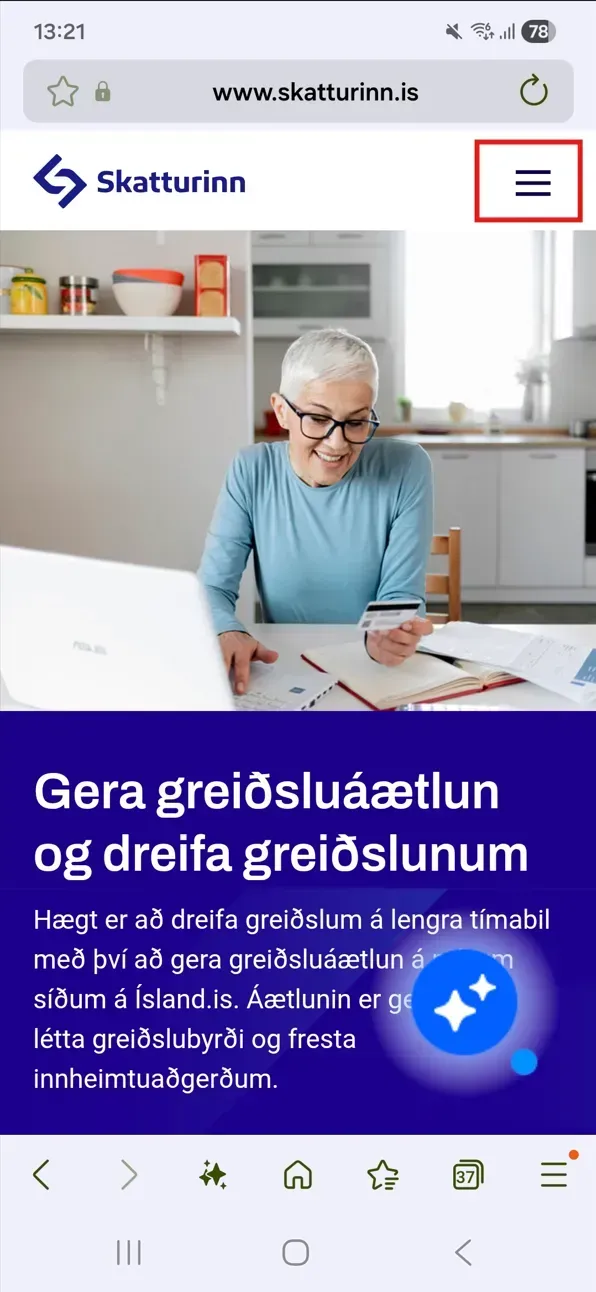
Byrjaðu á því að skrá þig inn á þjónustuvefinn með rafrænum skilríkjum með því að velja Þjónustuvefir
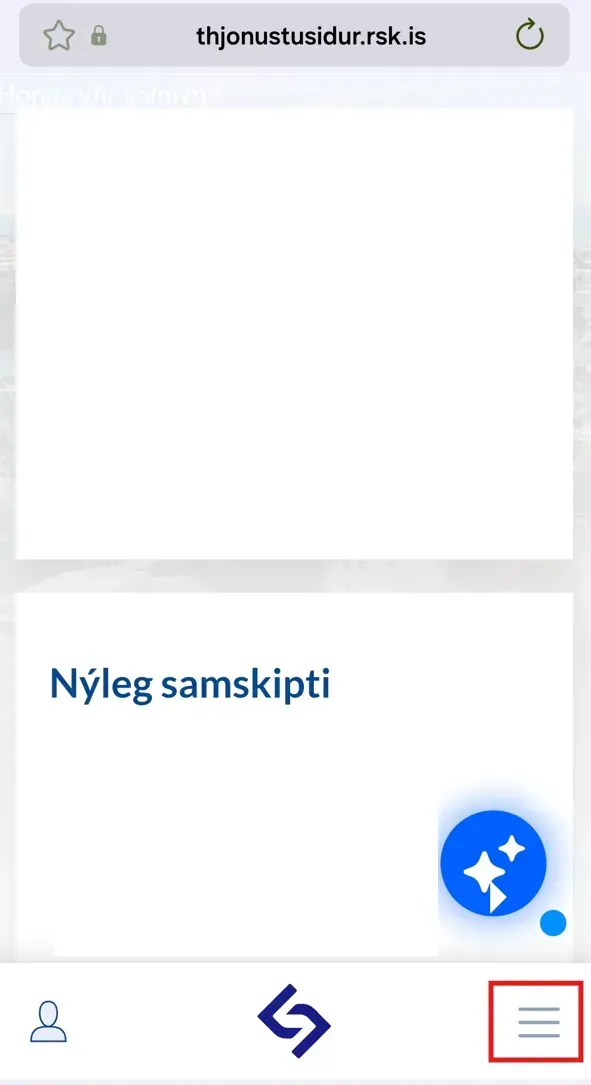
Start by selecting the crossed three in the right corner.
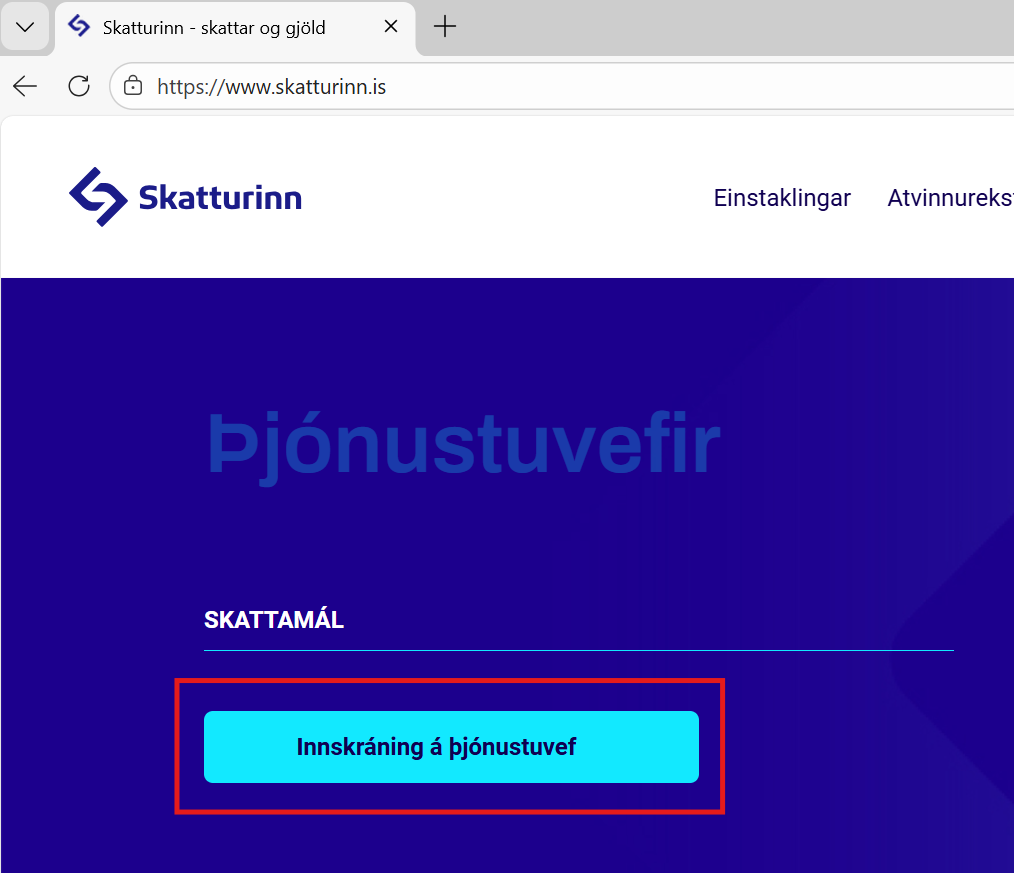
Next you need to click the plus sign next to Service Websites – Tax matters and click Login on Service Website to log in with electronic credentials.
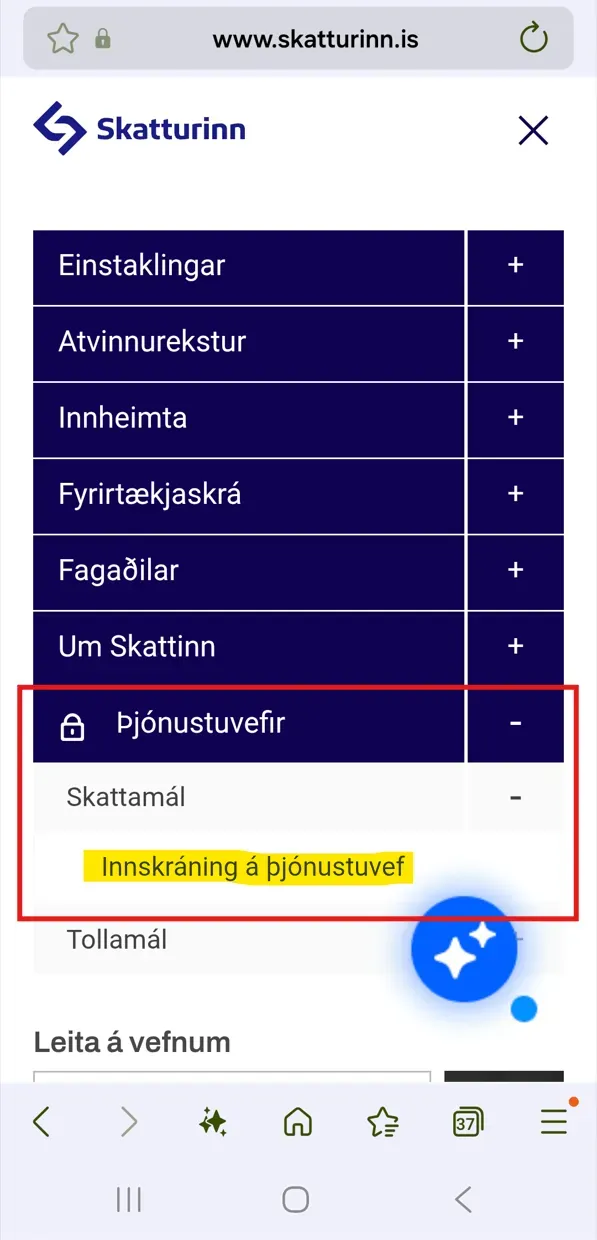
Next, select Login to the Tax Office website
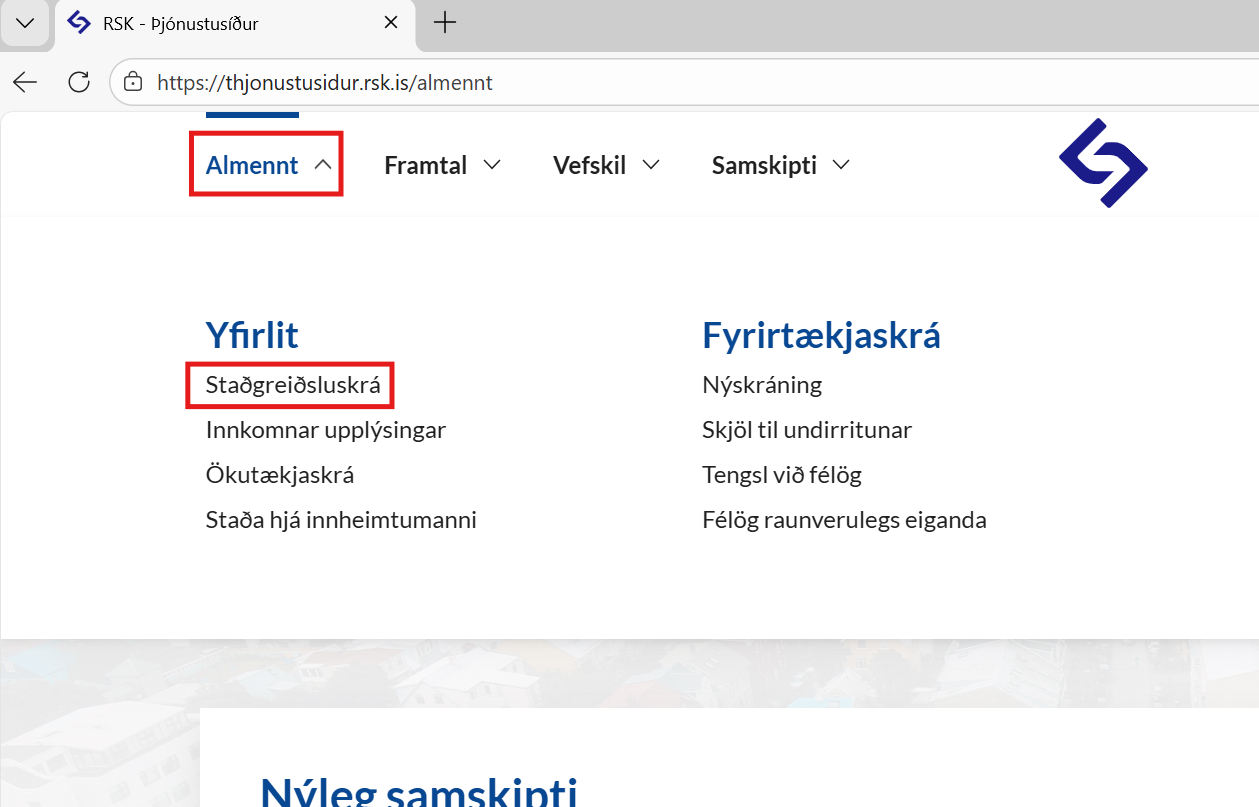
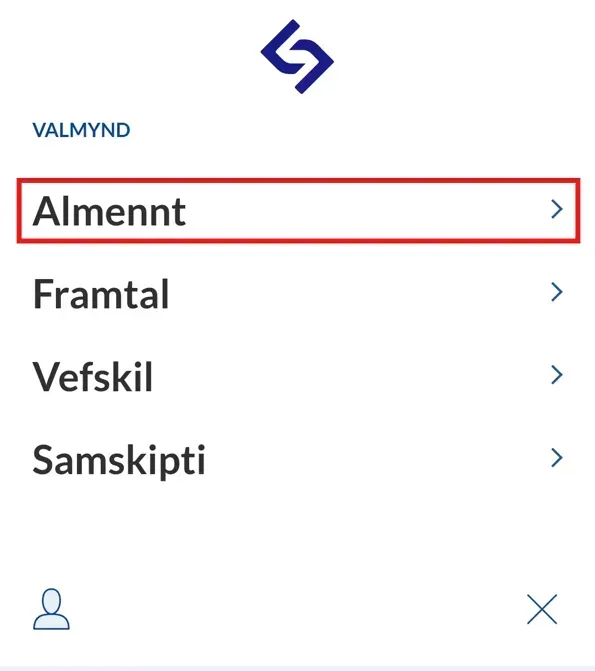
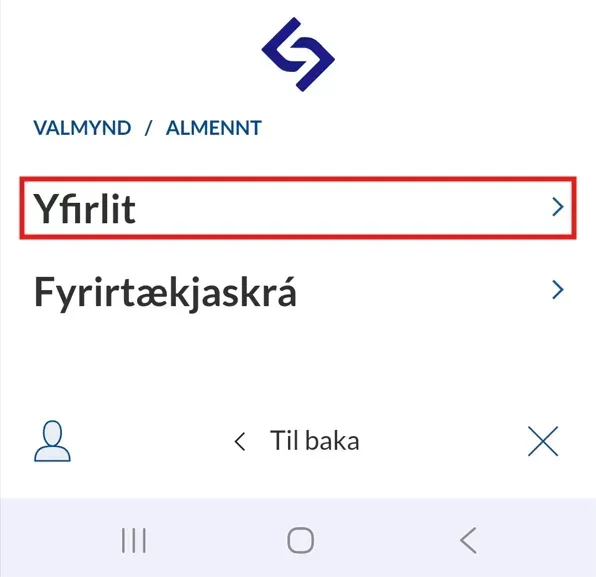
Under General, select tax income overview RSK
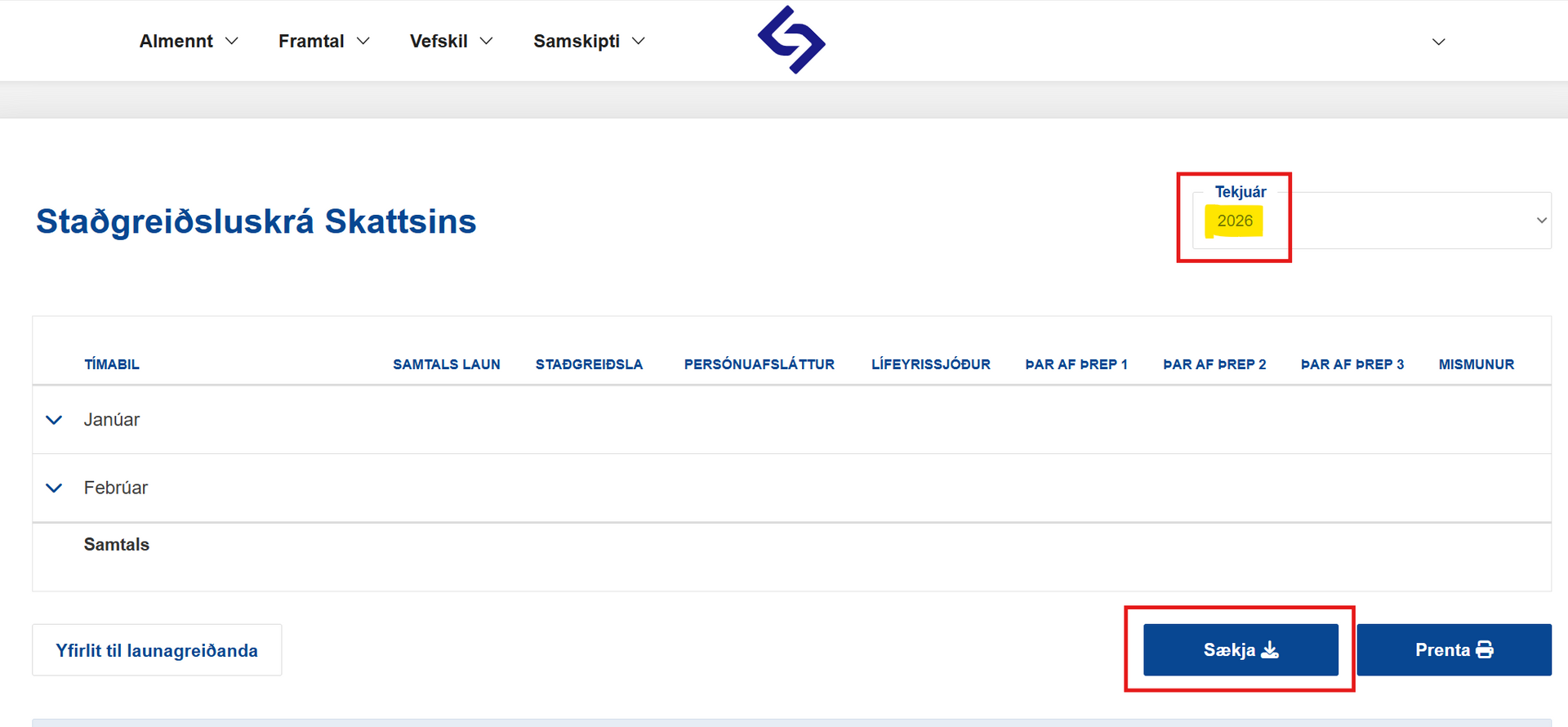
Then download the document as PDF by clicking “Download PDF“.
Then three lines are selected at the bottom right corner
Smellt á Almennt
Click on Overview
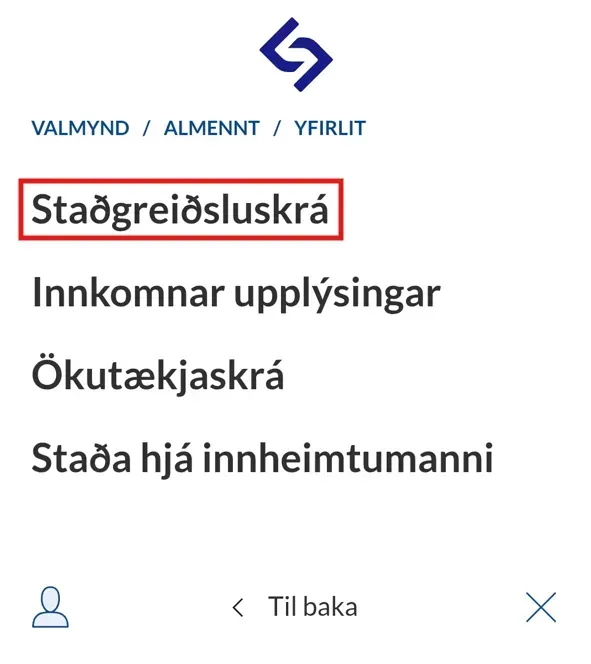
Clicked on Standing Payment Register
Then you need to select the appropriate year and click Download